No passwords
The QR code is the key. One code per room, so the whole family uses the same one, and after check-out it stops working.
Build it yourself, with no code: add any information about your hotel, plus ready modules for restaurants and table booking, activities, news, a resort map, notifications and much more. Guests scan a QR code at check-in, and your hotel is on their phone.
 Pearl BayEN3207
 Pearl Bay
Point your phone camera at the code to open the hotel app.
Guests get the app at check-in and keep it until check-out, and your team can reach every room during the stay.
The QR code is the key. One code per room, so the whole family uses the same one, and after check-out it stops working.
Guests book tables and sign up for activities from their phone, without coming down to reception.
A new show tonight or a changed menu? Edit it in the builder and every guest sees it the moment you save. No more posters in the lifts.
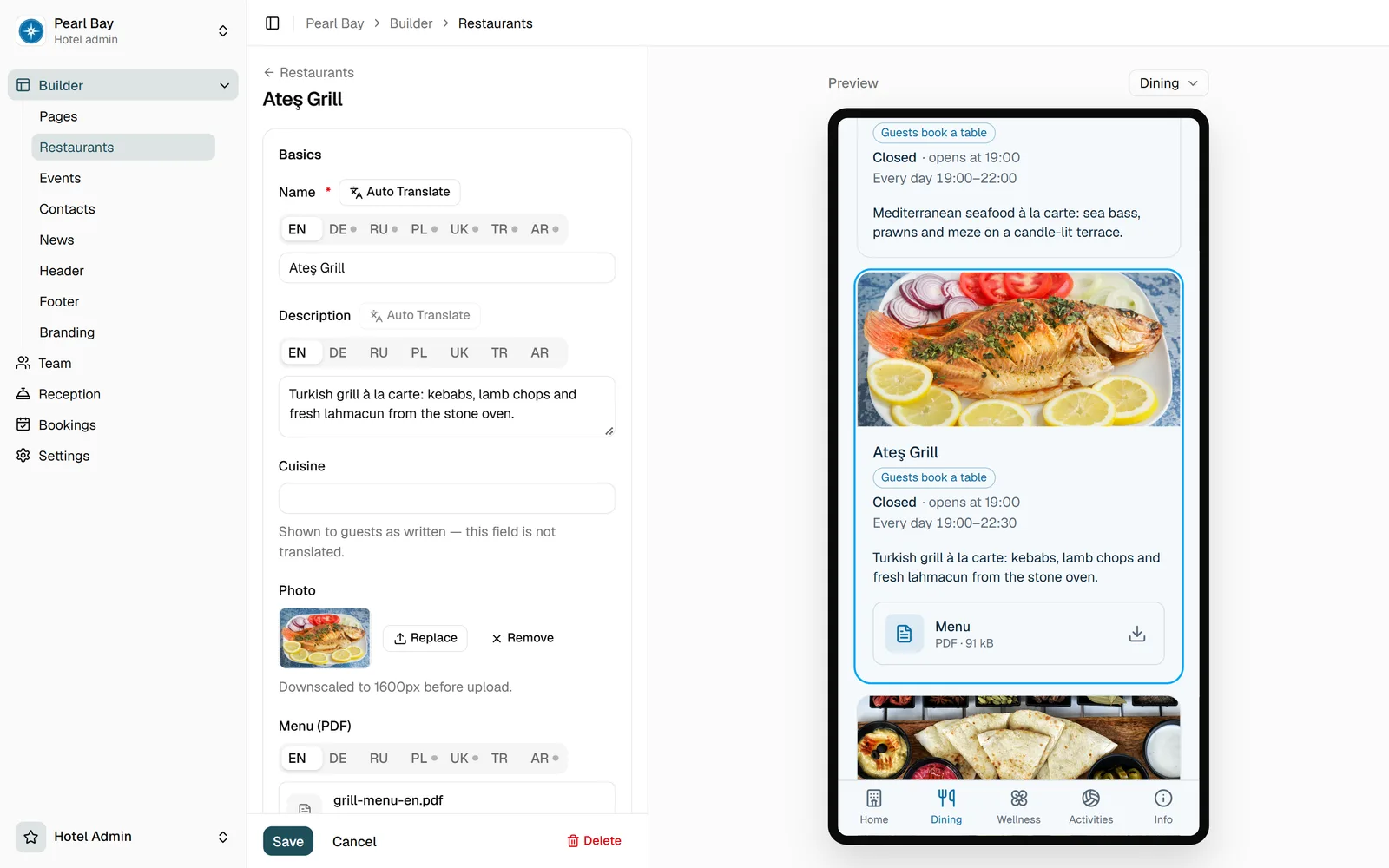
Put any information on your pages and add ready modules: restaurants, the activity programme, a resort map, news, PDF menus and more, with no code. Add your logo and colours. The preview beside the editor shows exactly what guests will see.
Reception adds the guest and gives them a personal QR code: shown at the desk, or left on the bedside table in the room.
They book à la carte tables, sign up for activities and excursions, read the latest news and offers, find their way on the resort map and get notifications from reception such as “Your taxi is waiting”, all in their own language.
Reception picks a notification, such as “Your room is ready” or “Your taxi is waiting”, or writes its own, and it arrives on the guest’s phone.
Put each page together from modules and arrange them the way your resort works. We add new modules all the time.
Opening hours, menus and à la carte booking with a seat limit.
The daily programme and excursions, with sign-up where places are limited.
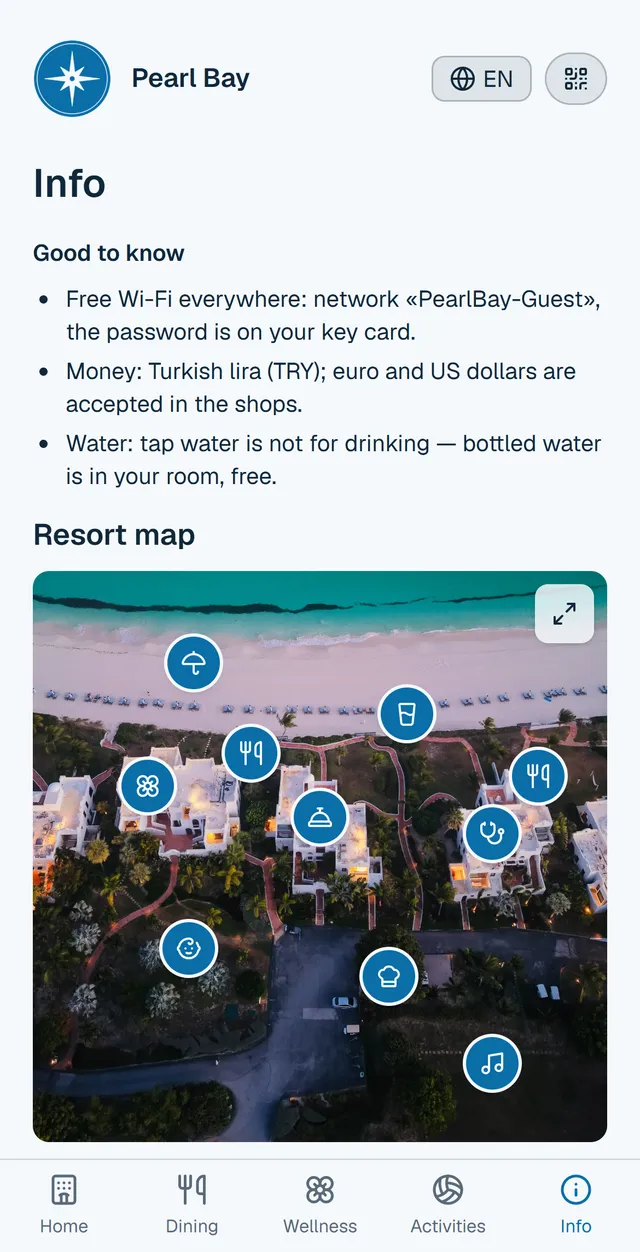
Your own site plan with the places guests look for.
Posts that go live and come down on the dates you set.
Full-screen covers, galleries and slides that lead to other pages.
PDF menus and price lists in several languages.
Reception, spa or kids club, with phone, messenger and a staff photo.
Text, photos and buttons for anything guests ask about, from Wi-Fi to the dress code.
New modules arrive regularly. Tell us what your resort needs.
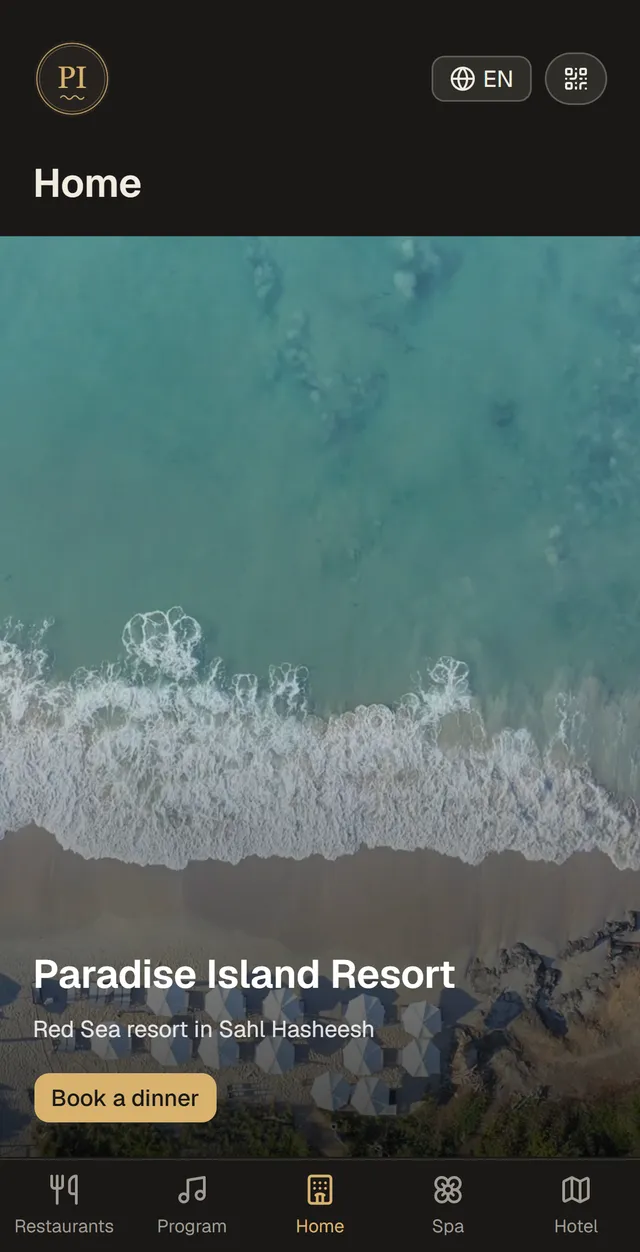
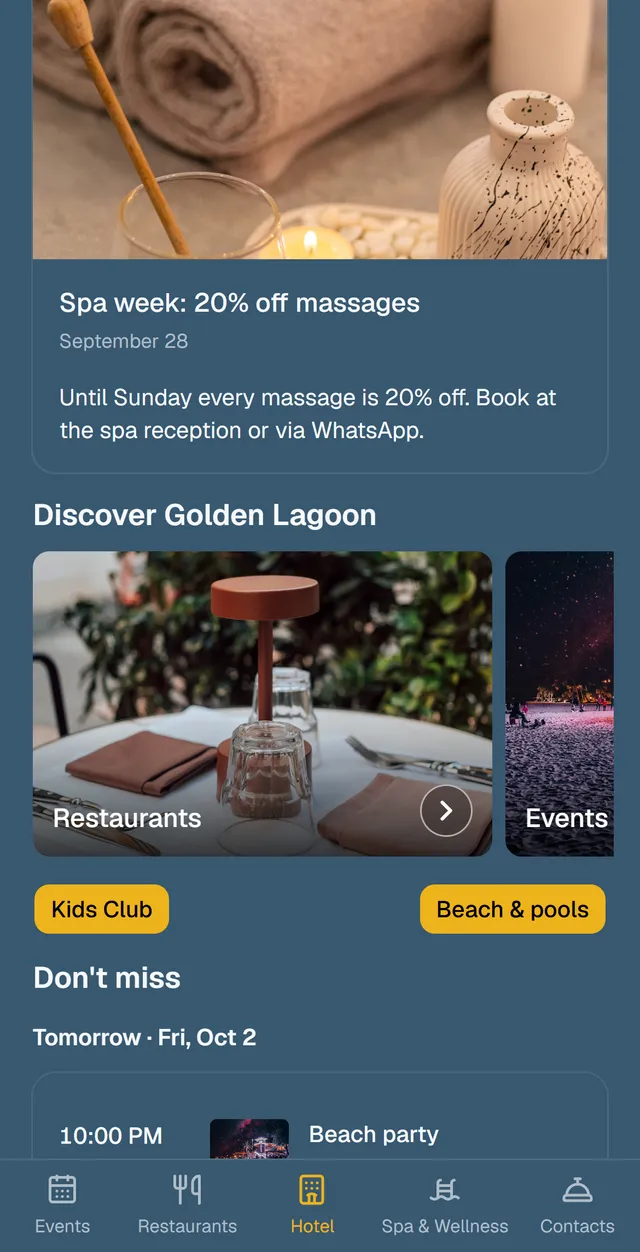
Your logo, your colours, your pages and modules, arranged your way. These three apps are built with the same Innkit builder, and no two look alike.
The questions that usually come up before a demo.
Tell us about your resort, and we’ll walk you through the guest app and the builder on a short video call.
info@innkit.app